The Journal
Creating a New Event 2: Navigate the Arrangement Builder
Part two of three. With the event set up, this is where the quote gets built: one recipe per arrangement, priced from your catalogue as you go.
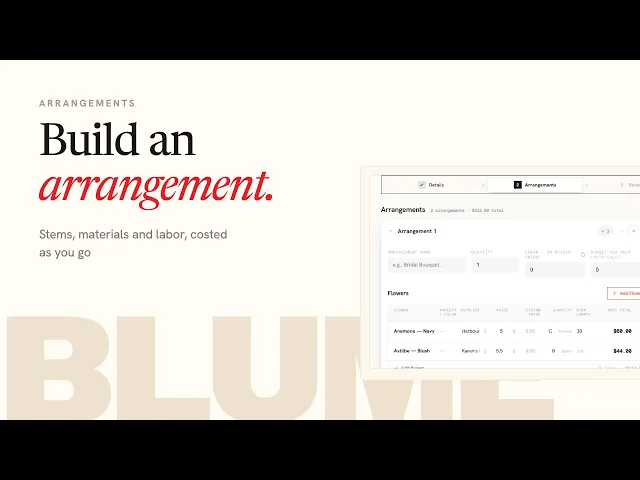
For each arrangement Sarah enters a name, the quantity, the minutes of studio labor to make one (these minutes also print on the florist worksheet), and a budget if there is one. Blume tells you when an arrangement is over or under, or, with the budget left at zero, what it should cost. Then Add Flowers opens the catalogue: pick each variety, the supplier you'll buy it from, high or low season price, colour, stem length and the quantity per arrangement. A variety that isn't in the catalogue yet can be added right there and is saved for next time. Any catalogue price can be overridden for this event only.
Materials go on the same way, at your charge-out price. Under each arrangement the cost breakdown shows flowers, labor and markup against the budget, so you can swap varieties or adjust quantities until it lands. The "flowers previously used in this event" filter saves re-entering the same stems for the next arrangement. Hire items are added last and flow through to the documents on their own.
Fees and services sit at the top right: delivery, installation, pack-down, travel and hire are pre-loaded, or add a custom fee. The quote summary then shows arrangement totals, fees and the quoted amount. If you are working to an existing quote, the client sees that one total; if it is a new quote, the calculated prices become the client's quote.

