The Journal
Creating a New Event 1: Set your Event Details
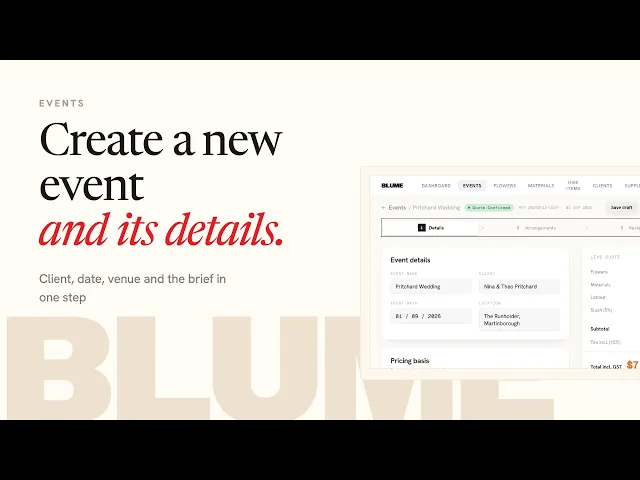
Part one of three. This video creates a new event and sets the handful of numbers that every quote, flower order and invoice for that event is calculated from. A few minutes here keeps everything after it accurate.
Sarah starts from Events, clicks New Event, picks the client (or creates one, which saves them for next time), and adds the event name, date and location. Then a decision: are you building a new quote from scratch, or working to a budget that is already agreed, say with a planner? For an agreed budget, enter it and Blume keeps flowers, labor and spend inside it. For a new quote, leave it at zero and Blume prices it as you build.
Inside the event, the settings are: the reference number (Blume's, or overwrite it with your own job number, and it carries to every document); the flower markup multiplier (Sarah works at three times wholesale, yours should reflect your overheads and the margin you want); tax rate and whether the event is tax inclusive or exclusive; the buffer, a percentage held inside the flower budget for price rises, substitutions and market finds (Sarah uses 5%); and your in-studio labor rate per hour, so conditioning, prepping vessels, making and packing are paid for, not just the flowers. On-site fees like installation, travel and pack-down are added in part two.

