The Journal
Creating a New Event 3a: The Florist Worksheet for Your Team
Part three of three, first half. Once the recipes are built, Blume turns them into documents without re-entering anything. This video covers the one for your team: the florist worksheet.
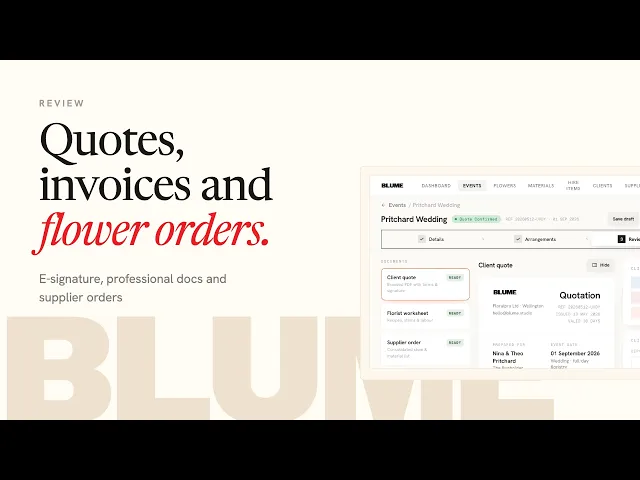
Open stage three and select Florist Worksheet. Every arrangement from the recipe builder is already there: the quantity to make, each flower variety with the exact stems per arrangement, the materials (ribbon, chicken wire, foam, cable ties), and any hire items to have ready before production starts. The minutes you entered per arrangement appear as an estimated production time, which is what you plan a day or a team around. A florist notes column on the right takes anything the recipe does not say: use the saved greenery in the studio, refer to the client's visual proposal, photograph before packing.
Download the PDF and file it, attach it to the Google Calendar event, print it, or share it to the team's devices. Sarah pairs it with the client's approved visual proposal so the team has the picture and the recipe side by side. The client quote, invoice and supplier orders are covered in the next tutorial.

